Settings
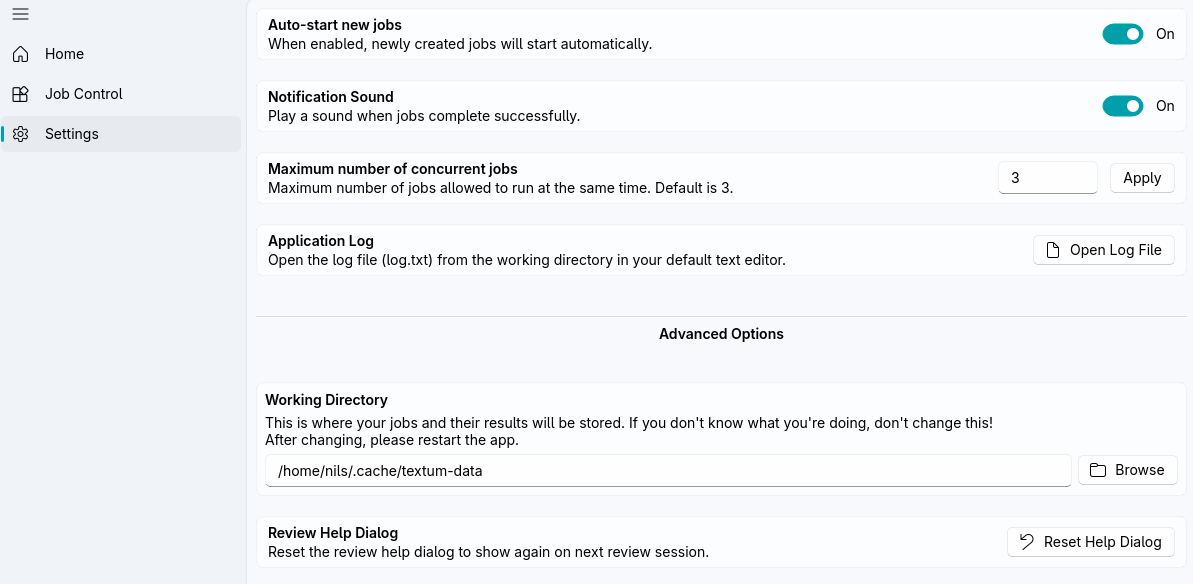
General
Auto-Start Jobs
Automatically start newly created jobs.
Notification Sound
Play a sound when jobs complete.
Max Concurrent Jobs
Maximum jobs to process simultaneously.
- Default: 3
- Note: Higher values use more resources and may slow down your PC
Advanced
Working Directory
Directory for job data, outputs, and logs. Usually you don't need to change this.
- Default: System-specific location
- Change: Browse to select new location
Default locations are:
- Linux:
~/.cache/textum-data/ - Windows:
%LOCALAPPDATA%/textum-data/
Application Log
Opens the application log.
- Location:
<working_directory>/log.txt
Reset Review Help Dialog
If you selected Don't show this again in the explanatory pop-up when opening the review view, this option resets that preference.