Export Options
Export recognized text in multiple formats from the Review Interface or Job Control.
Formats
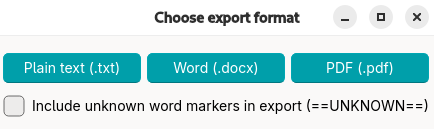
Plain Text (.txt)
- Basic text only
- Smallest file size
- Universal compatibility
- Pages are delimited by
===== Page X =====
DOCX (Microsoft Word)
- Editable in Word
- Preserves basic structure
- Pages are delimited by a new headline
Page X
PDF
- This export option is mostly provided for cross-platform compatibility
- Pages are delimited by
===== Page X =====
Export Process
- Click the
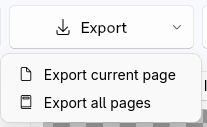
Exportbutton. Select if only the current page (available from Review) or all pages (available from Review and Job Control View) should be exported. - Choose format: Plain Text, DOCX, or PDF
- If you selected a language during job creation, unknown words were highlighted using word lists. Per default, highlight markers (
==this text will be highlighted==) are not exported. - Select destination
- Export complete